DJI Avata 2 vs DJI Avata 360: one badge, two drones that answer different questions
Buy the Avata 2 if the flying is the reward and the Avata 360 if the footage is, and if you cannot say instantly which of those describes you, buy the Avata 2, because the 360's best shots do not exist until you have edited them into existence.
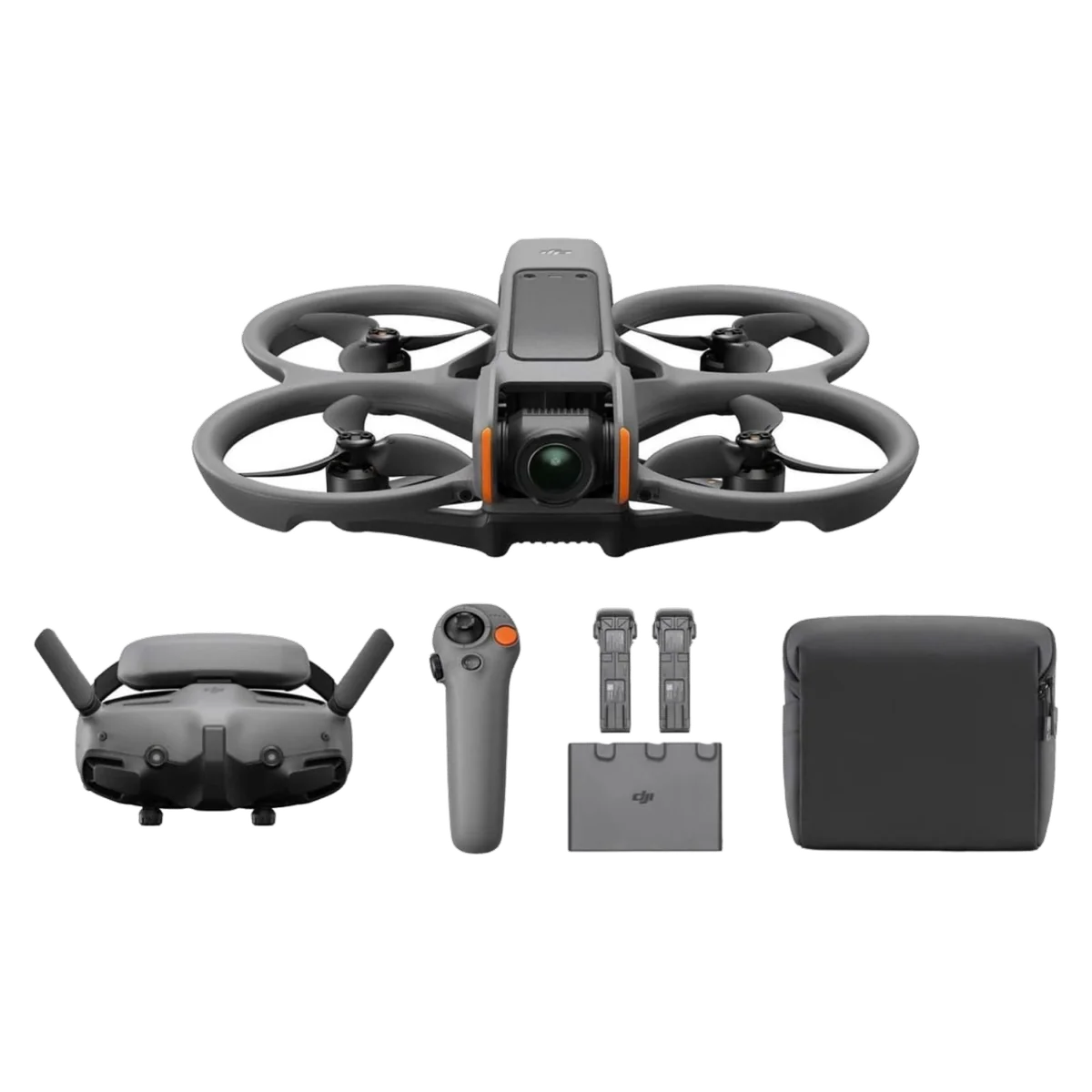
DJI Avata 2
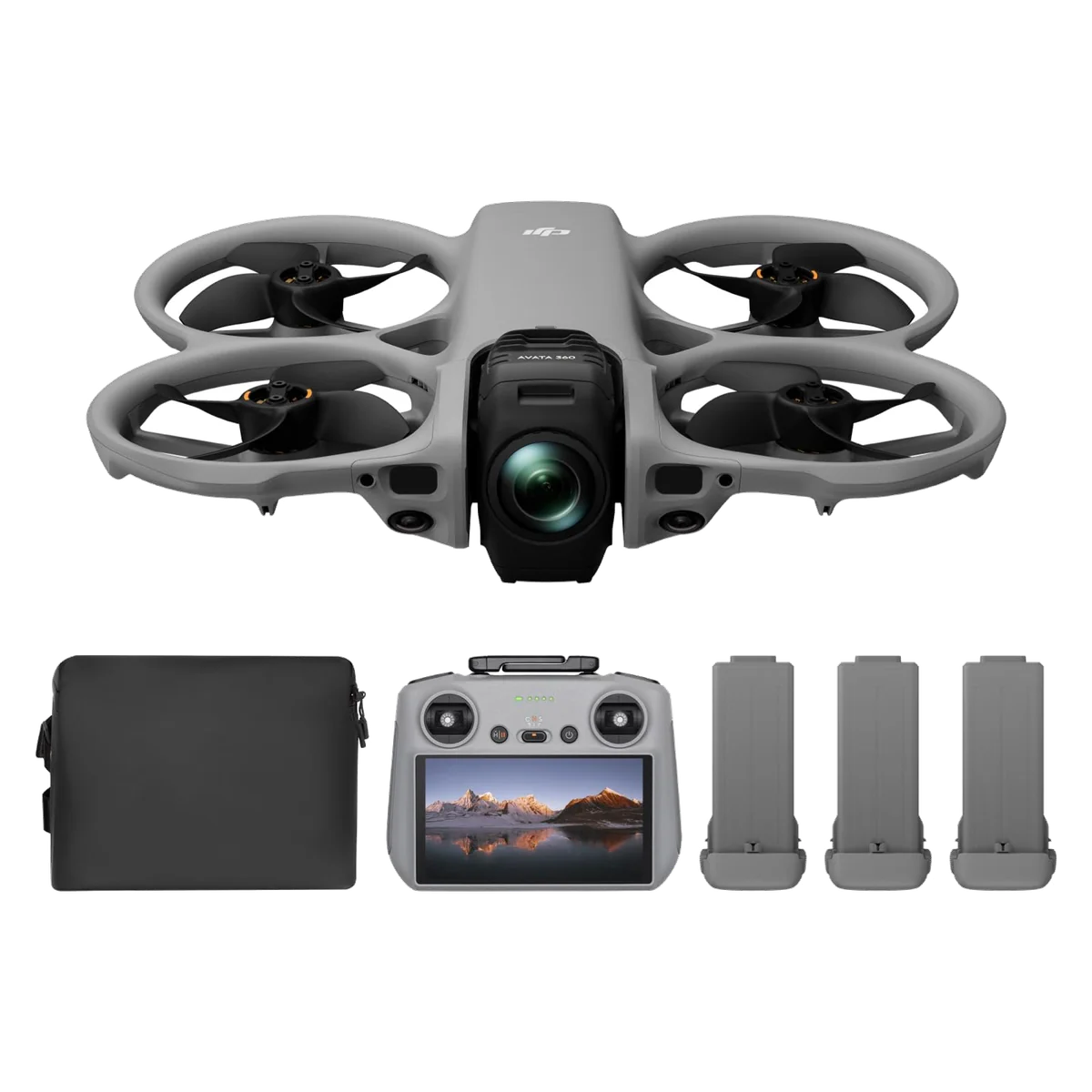
DJI Avata 360
Shared name, shared silhouette, shared ducts around the propellers, and almost nothing else. The Avata 2 is a cinewhoop you wear goggles to fly, with a camera bolted into the nose because you are going somewhere interesting anyway. The Avata 360 is a spherical camera with a flight controller attached, built so that you never have to decide where to point it. Those are not two rungs on a ladder. They are two different hobbies that DJI sold under one word.
The word is the problem, and it was flagged before either of us had to learn it the hard way. In the run-up to the 360's launch, the people who follow DJI closely spent their time warning that anyone expecting a successor to the Avata 2 was going to be let down, and they were right in the specific way that matters: the newer drone is not a better version of the older one, and in the one respect FPV pilots care most about it is a worse one.
So take the fork before you take the spec sheet. If what you want is the sensation of being in the air, the grin under the goggles, the doorway you flew through at head height, you want the Avata 2 and you want it for reasons no camera comparison will capture. If what you want is to point a drone at a moving subject you get exactly one pass at, and to work out afterwards where the camera should have been looking, you want the 360 and you should budget an evening at the computer for every good afternoon in the field. The clearest advice published on this split says the same thing in fewer words: take the Avata 2 for a simple workflow and footage you can cut immediately, take the 360 if you enjoy editing and want maximum control over the frame after the fact.
Neither is a camera drone in the ordinary sense, and Quadcopter Bench would rather say that once, loudly, than let it emerge on page three. If you want a clean, sharp, framed establishing shot, both of these will disappoint you and the Air 3S will not. Everything below assumes you already know that and want one of these anyway.
DJI Avata 2
DJI Avata 360
At a Glance
| Feature | Editor's Pick DJI Avata 2 | DJI Avata 360 |
|---|---|---|
| Price Range | $1,000–$1,500 | $500–$1,000 |
| Finish | Black | Black |
| Configuration | Avata 2 Fly More Combo (3 Batteries) | — |
| Check Price on Amazon | Check Price on Amazon |
One airframe idea, two entirely different products
Start with what genuinely is shared, because it is the reason both exist. Both are ducted, both carry integrated propeller guards, and both will take contact that folds a folding drone. That single design decision is what lets either of them fly low, indoors, through gaps and close to solid objects, which is the whole point of the shape. During tracking work the 360 clipped a small branch the sensors had missed, wobbled, and carried on flying, and that is exactly what a cinewhoop body is for.
After that the two part company completely.
| Avata 2 Fly More | Avata 360 Fly More | |
|---|---|---|
| How you see | Goggles, first person, total immersion | A screen on the controller, line of sight |
| How you steer | RC Motion 3 wand, point and go | RC 2, conventional sticks |
| True manual flight | Yes, once you buy the stick controller separately | No, only assisted acro the aircraft performs for you |
| The camera | One 1/1.3-inch sensor, 155 degree view, 4K/60 | Two sensors recording a full sphere, plus a single-lens 4K/60 mode |
| Framing | Decided in the air, permanently | Decided at the desk, repeatedly |
| Real flight per pack | Around fifteen minutes | Around nineteen minutes |
| Weight | 377 g | Roughly 455 g |
| Work after landing | Copy the file, cut it | Reframe every clip in DJI Studio first |
The camera argument is not really about resolution
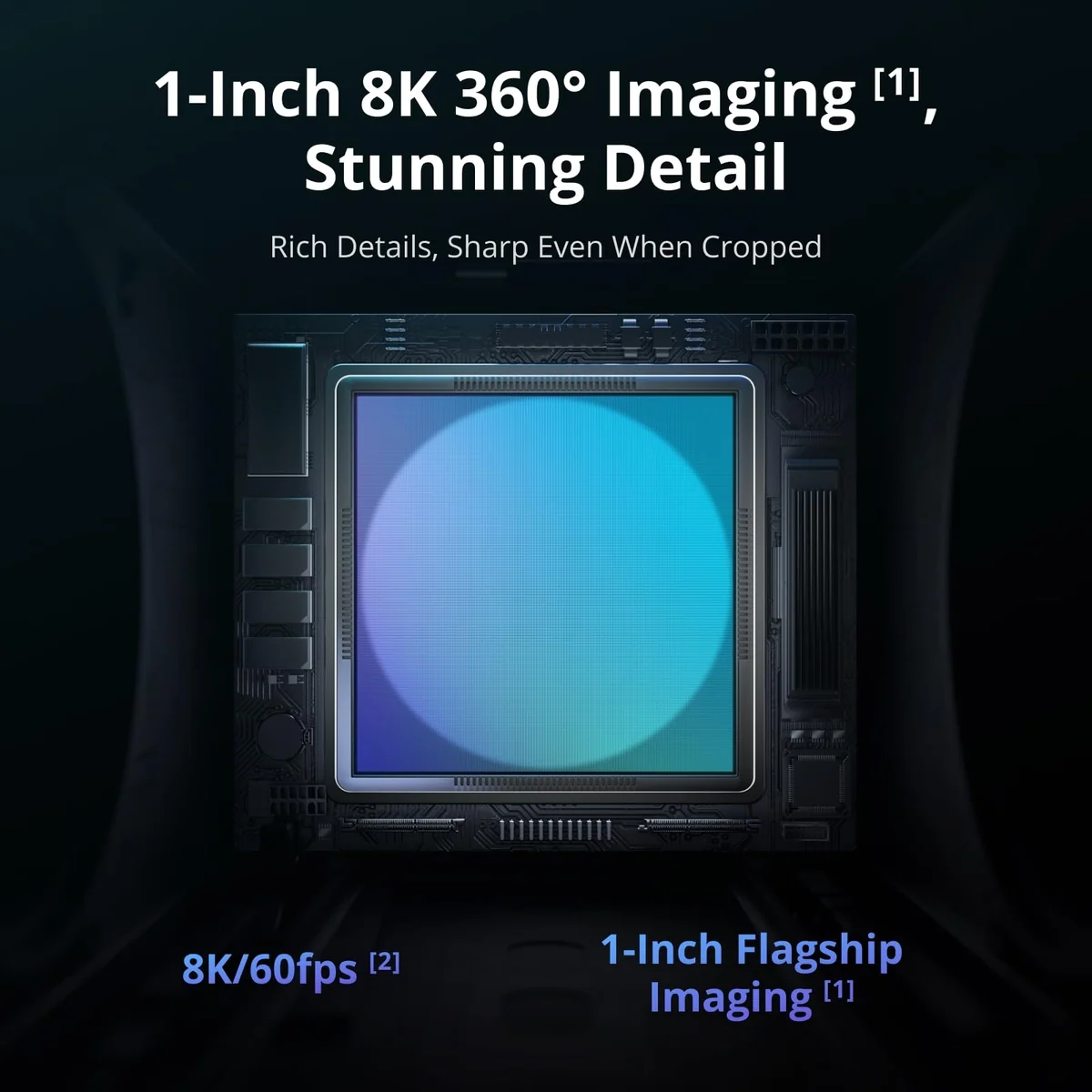
The 360's listing opens with 8K, and 8K is honest arithmetic dishonestly framed. The sphere it records is 7,680 pixels the whole way around, and a normal-looking crop out of that sphere covers roughly a third of it, which lands somewhere near 2,500 pixels across. That is short of 4K, and on any given framed shot the Avata 2's single 1/1.3-inch sensor will simply look better on the same screen.
Where the 360 wins back is the shot you did not know you needed. You fly past the subject once, and every angle of that pass already exists on the card, including the ones behind you. Stills are the format at its most generous, because a spherical photo comes out at 15,520 by 7,760 and there are enough pixels there to crop hard and still land on something that reads as 4K. The working rule from people using it in anger is that the wider you leave the final crop the better it holds up, which is another way of saying the drone punishes you for zooming in on your own footage. If the whole idea is new to you, what 360 capture actually buys you is worth reading before you spend anything.
The Avata 2 has the opposite trade. What comes off it is a finished-looking file the moment you land, and it is good enough that most owners stop strapping an action camera to the airframe. It is also fixed forever: whatever the nose was pointing at is your shot, and a wobble in the hover is why clean still photographs out of it are hard work.
Only one of these can be flown, and it is not the newer one
This is the sentence that should decide it for a large group of readers. The Avata 360 has no true manual mode at all. Its acrobatics are performed by the aircraft on request rather than flown by you, and some of the spectacular 360 footage circulating is not flying at all: rotate the virtual camera hard enough in post and straight, level flight looks like a roll. If you came here because you want to throw a quad around, the drone with the newer badge cannot do it.
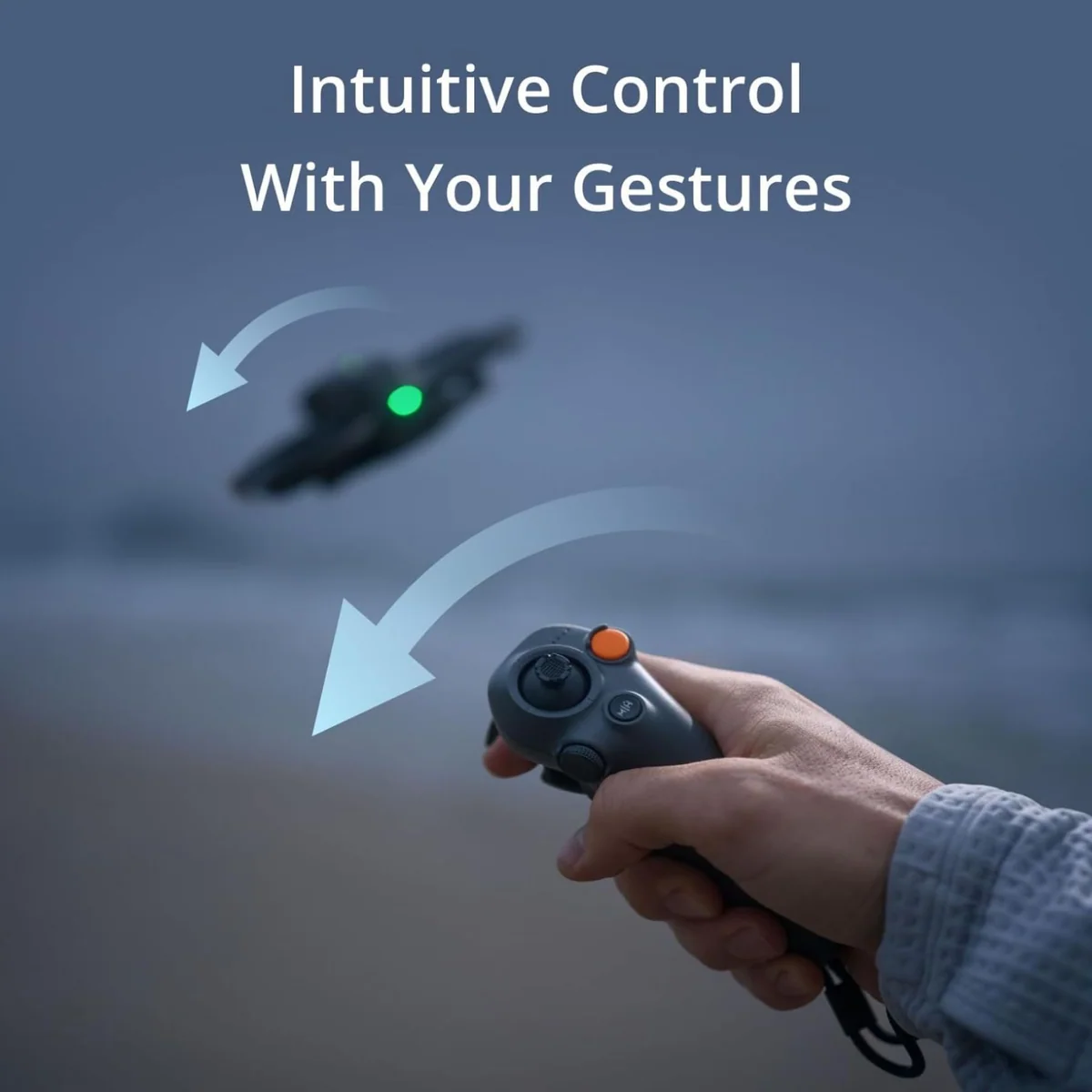
The Avata 2 can, with an asterisk we have never softened. The RC Motion 3 wand in its box is the reason a person with no FPV background is airborne on day one, and it is genuinely fun rather than a training wheel, but it cannot give you rate mode. That needs the FPV stick controller, which is a separate purchase, and it is a fair criticism of the aircraft that the fastest way to fly it requires hardware that is not in the box. Owners who wanted manual bought the stick anyway, and the good news is that both controllers can stay bound at once, so you pick one per outing rather than per lifetime. Either way, the honest ranking is that the Avata 2 is the FPV aircraft here and the 360 is a filming tool with excellent crash tolerance, which is why only one of them belongs on our FPV shortlist for what it flies like.
Goggles or a screen, and why that is a legal question
Most buyers read the goggles as a feature and the screen as a downgrade. In practice it is the other way round for anyone who flies alone. Flying in goggles requires a visual observer standing beside you in the jurisdictions that matter, which makes a solo trip to the park with the Avata 2 a non-starter, and reviewers list that spotter requirement as a genuine drawback of the aircraft rather than a technicality. This 360 configuration ships with the RC 2 and its own screen, so you fly line of sight, on your own, with nobody to recruit. For a solo creator that is not a compromise, it is the reason to choose this bundle.
There is a catch worth knowing before you buy the screen version and change your mind later. The RC 2 cannot pair with the goggles, so adding the immersive experience to a 360 afterwards means buying a motion or FPV controller as well as a headset, not just the headset. If you already own DJI kit and are hoping to reuse it, which drones the RC 2 actually works with is the faster way to check than the compatibility footnotes.
The numbers on the boxes, and what happens to them outdoors
Both aircraft are rated at twenty-three minutes and only one of them nearly means it. DJI's own footnote for the Avata 2 says the figure was measured at a constant 21.6 kph, windless, at sea level, recording 1080p/30 with video mode off, flown down to a flat battery, which is a treadmill test rather than a flight. Owners land on about fifteen minutes, and one who ran a proper stopwatch got seventeen out of an indoor hover, which is the least demanding thing a quad can do. The 360, recorded in moderate wind with the camera running, came down at nineteen minutes with seven percent left. That is unusually honest by the standards of how these figures are normally quoted, and it flips the assumption that the heavier drone must be the thirstier one.
Range works the same way twice, in opposite directions. The Avata 2's thirteen kilometres is described in DJI's own footnote as the farthest one-way, non-return communication distance under FCC conditions, which is a number you can fly to and not a number you can fly back from. The 360's listing claims up to twenty kilometres. In an open field at a constant seventy metres with low interference, the link warned at about 3,700 metres and dropped at 3,970 into automatic return to home, and DJI's own published table is franker than the bullet, falling under a kilometre once buildings get between you and the aircraft. On both drones the battery gives out long before the radio does, so treat the transmission figures as trivia.
Two more practical differences. At 377 grams and roughly 455 grams respectively, neither gets anywhere near the 249 gram exemption, so registration and Remote ID apply to both even for a recreational flight. And the 360 is loud, audible from around five hundred metres, which quietly rules out the discreet park flight that the Avata 2's ducts and modest size might otherwise let you get away with.
What each one costs you after you land
The 360's real price is the edit. Footage lands in DJI's own spherical format and has to pass through DJI Studio, where you set the framing, the field of view and the horizon, before an ordinary editor will open it. Once you know the shot you want it is quick, and the danger is precisely that you do not: a file containing every possible shot is a file you can lose an evening inside. The clips are large, internal storage is 42 GB, a single five-minute take can pass six gigabytes, and a card is not optional. The Avata 2 asks none of this. Copy, cut, done, with 46 GB of internal storage sitting behind the SD slot for the day you leave the card at home.
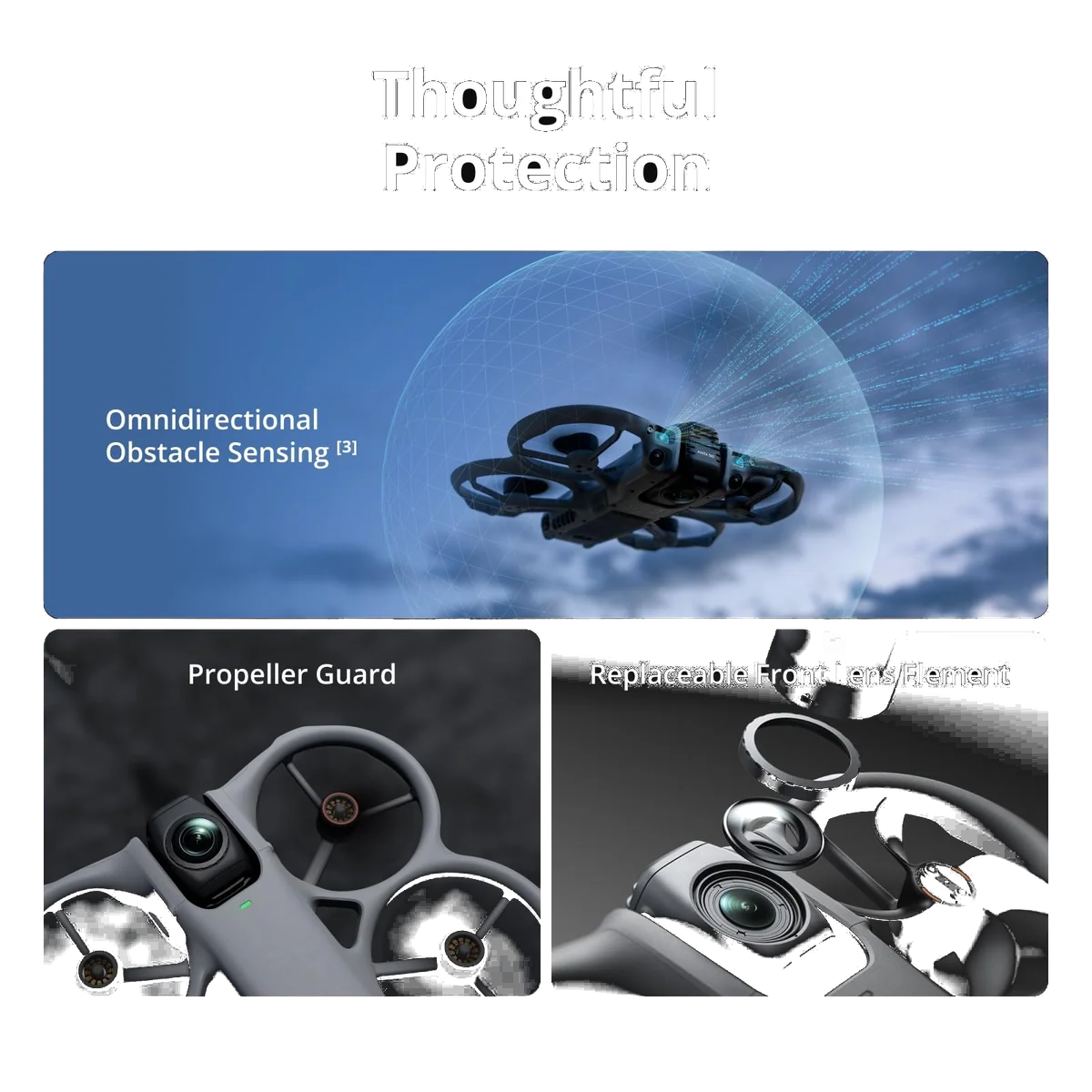
The Avata 2's real price is breakage. The listing calls the integrated guards super-sturdy and they are not as sturdy as that word implies: a builder with more than a decade of FPV behind him cracked one in his first week from a fall of a metre or two, and the airframe is a closed, moulded system you send away rather than fix on a bench. It also has no forward obstacle avoidance whatsoever, on a drone whose entire pitch is flying close to things, and its return to home climbs vertically before it comes back, so invoking it under tree cover flies the aircraft into the canopy. The 360 at least has forward sensing with LiDAR and a downward array, though the omnidirectional label oversells hardware that derives its all-round coverage from the two main cameras and switches off entirely in Sport mode. Neither system catches a thin branch or a wire, which is the usual story with avoidance.
Both are drones you will damage, because both are designed to be flown near solid objects, and both landed in a market where DJI Care Refresh is no longer available to American buyers. That change bites harder here than anywhere else in the range, and what to do about cover now is a question to answer before the first flight rather than after the first crash.
DJI Avata 2
DJI Avata 360
Which one to buy
Price is not the tiebreaker; these two land close enough to each other that the decision is entirely about what you intend to do on a Saturday. Do you want to be somewhere, or do you want to have been somewhere? The Avata 2 is the first. The 360 is the second, and it is very good at it.
The complicating case is the person who wants both jobs done by one purchase, and the honest answer is that neither drone does both. The Avata 2 cannot give you a shot you did not frame at the time. The 360 cannot give you the flying, and it cannot give you a picture as clean as a proper camera drone would. Three batteries and a hub are the working configuration on either aircraft rather than the luxury one, which is one of the few times the loaded bundle is the recommendation and not the upsell.
The one to buy if you want to fly, not just to film
Goggles, a wand and a pause button that airbrakes hard enough to rescue a beginner make this the gentlest way into FPV anyone has built, and three packs plus the hub turn a short-winded aircraft into a continuous afternoon.
It gives you roughly fifteen real minutes a pack rather than the twenty-three on the box, it has no forward obstacle avoidance at all, and true manual flight needs a stick controller that is not in this box.
The one to buy if you get a single pass at a moving subject
Point it near the thing, fly for four minutes, and every angle of that pass already exists, which is a guarantee no single-lens drone can offer at any price; the RC 2 in this bundle also means you fly it alone, line of sight, with no spotter.
Any normal-looking crop out of the 8K sphere resolves closer to 2.5K, every clip has to be reframed in DJI Studio before it is usable footage, and despite the badge there is no true manual flight mode.
If the 360 format is what has caught your eye and you are willing to look past DJI, the other aircraft in this category is worth a look, and we set the two against each other in the Avata 360 against the Antigravity A1. If you want the longer versions of either verdict, with the full record behind them, they live in the Avata 2 review and the Avata 360 review.
Frequently Asked Questions
Is the Avata 360 a replacement for the Avata 2?
No, it is a 360 camera drone wearing the Avata name, and treating it as an upgrade path is the single most common mistake buyers make with it.
Which one produces the better-looking picture?
For any shot you framed deliberately, the Avata 2, because the 360 spends its resolution covering the whole sphere and a normal crop out of it resolves below 4K.
Can I fly either of them in full manual?
Only the Avata 2, and only after buying the FPV stick controller separately, since the 360 offers assisted acro the aircraft performs for you and nothing more.
Which one can I fly on my own?
The Avata 360 in this configuration, because the RC 2 has its own screen and lets you fly line of sight, whereas the Avata 2's goggles require a visual observer standing beside you.
Can I add goggles to the Avata 360 later?
Not with the RC 2 alone, because it cannot pair with the goggles, so immersive flight would mean buying a motion or FPV controller as well as the headset.
Which one stays in the air longer?
The 360, which came down at nineteen minutes with the camera running in moderate wind, against about fifteen minutes of real flying from the Avata 2.
Do both of them need registering?
Yes, at 377 grams and roughly 455 grams they are both comfortably over the 249 gram threshold, so registration and Remote ID obligations apply to either.
If I can only own one drone, which should it be?
Probably neither, because a conventional camera drone will beat both on the clean, sharp, framed shot most people actually want, and these two earn their place as second aircraft that do something a camera drone cannot.
Ready to Choose?
Sources (4)
- Amazon listings and customer reviews — Dji Avata 2 and Dji Avata 360
- Owner reports across r/dji, r/osmopocket, r/videography and 1 more threads
- Digitalcameraworld — Article — www.digitalcameraworld.com
- Oscarliang — Article — oscarliang.com