You can fly a drone on your phone alone, and the radio is what you hand back
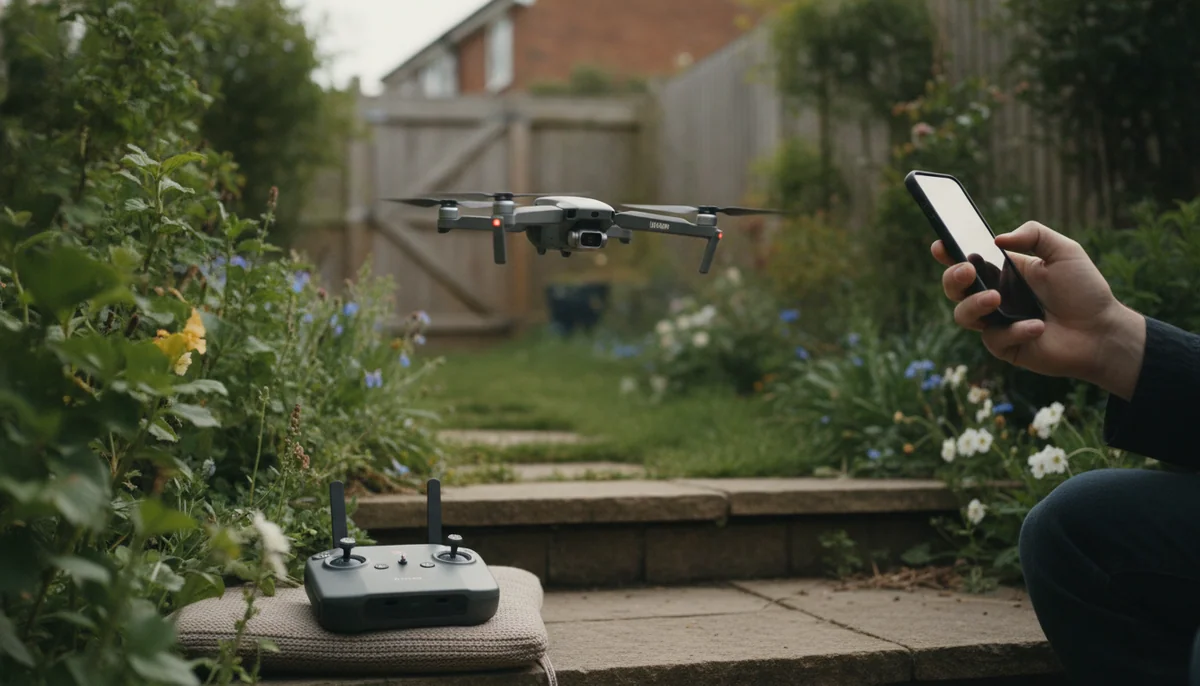
The question gets asked as a straight either-or, and it is not one. There are three arrangements on sale, and the middle one is what most people are actually holding when they say they fly with a controller: a transmitter with a phone clamped to the top of it, where the phone is the screen and the controller is the radio. That is the DJI RC-N3 and RC-N2 setup, and it is also every cheap GPS drone on the market. Genuinely controller-free flight, meaning nothing in your hands but the handset in your pocket, exists on a much smaller list of aircraft, and the DJI Neo is the one people are usually thinking of when they ask.
What separates them is not software. A phone talks to the aircraft over a short-range wireless link through a small antenna buried in a slab of glass and metal that was designed to sit near a router. A controller is a dedicated transmitter: the DJI RC 2 carries four antennas, two internal and two external, and is the thing DJI attaches its 20km transmission figure to. Nothing you install on a phone closes that gap, and no firmware update is coming for it.
The clearest evidence sits inside a single product's owner record. One Neo buyer reports that flown from the app you cannot get more than about a city block out in manual mode even if you walk along with it, and that the altitude ceiling is cut too. Another owner of the same aircraft, holding a physical controller, flies it confidently across fifteen acres and roughly a mile out. Same drone, same firmware, different radio.
| Fly it on the phone if | Buy the controller if |
|---|---|
| The drone's job is to film you, from close range, in an open space you can see all of. | You intend to send the aircraft somewhere and bring it back, which is a different activity from being filmed. |
| You want the thing in the air in under a minute with nothing to unpack or pair. | You want manual exposure, flight speed modes, a dedicated return-to-home button and the ability to draw a box around a subject. |
| You are testing whether you like this at all and would rather not spend twice. | You have already had a link drop, a feed freeze or a drone that quietly landed where it stood. |
Quadcopter Bench has not flown any of these aircraft, and this page is built from their listings and from the record their owners left behind; how we work is set out on the about page. What follows is the argument for that verdict, and the three drones it lands differently on.
Three arrangements, and only two of them are flying with a controller
Sorting the market this way is the single most useful thing a buyer can do before spending, because two products that both say "app control" on the box can be doing completely different jobs.
| What you hold | What carries the signal | What it costs you |
|---|---|---|
| Nothing but a phone, or nothing at all | The aircraft's own short-range wireless link | Range, ceiling, manual camera control, and the reliability of the connection itself |
| A transmitter with the phone clamped on as the screen | The transmitter's radio | Your phone for the whole session, plus a cable and a phone battery |
| A screen controller and no phone | The transmitter's radio | Money, and a device you have to charge separately |
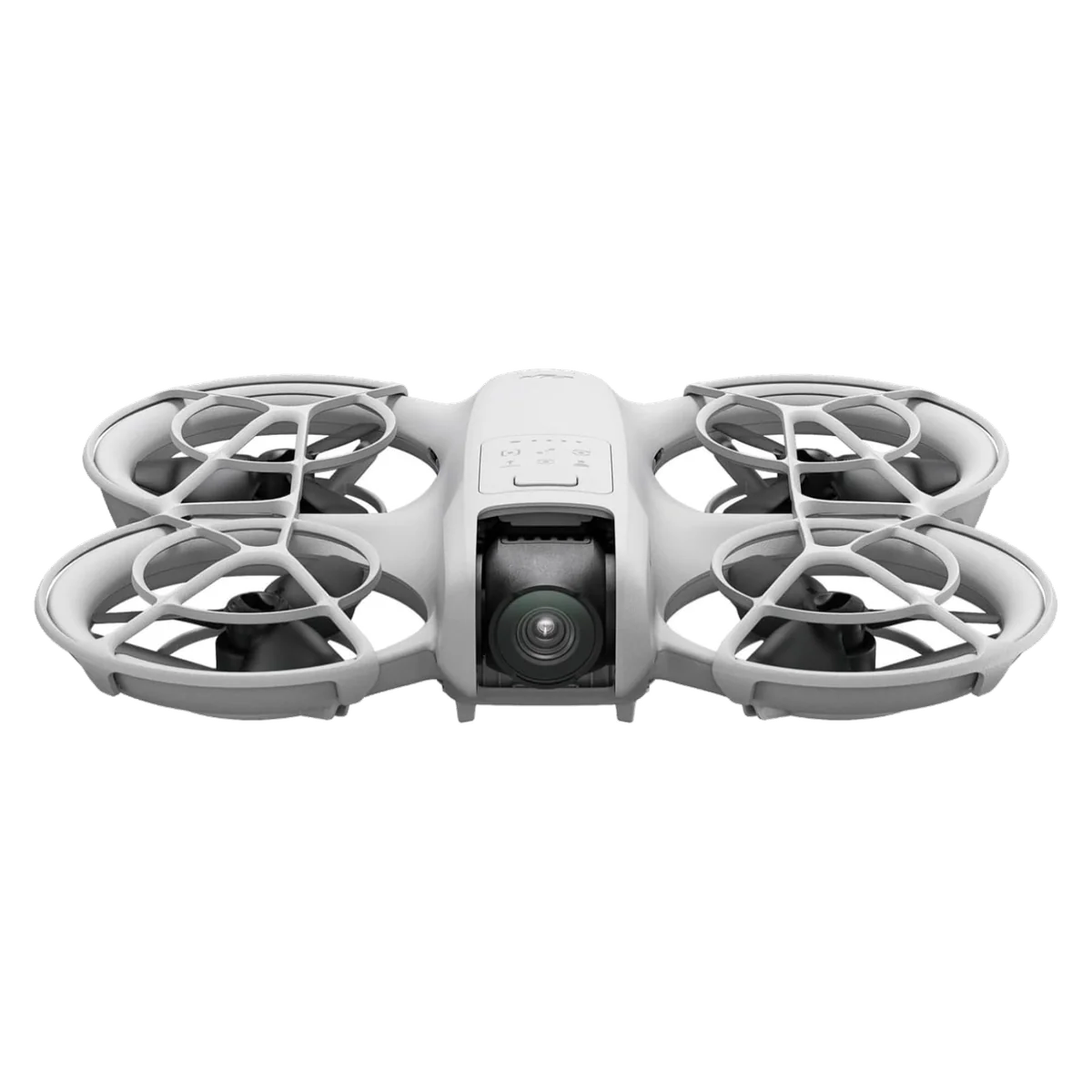
The DJI Neo is the one aircraft here that genuinely offers all three, which is why reviews of it read like descriptions of different products. Flown bare it does palm takeoff and a set of automated shots, flown from the app it gives you virtual sticks and a live feed, flown from an RC-N3 or RC-N2 it behaves like an ordinary small drone, and flown with goggles and a motion controller it is a cage-protected FPV trainer. The listing sells all four as equivalent options. They are not equivalent, and the box most people buy is the least capable of them.
Go controller-free on a Neo and you lose manual exposure, the flight speed modes, the dedicated return-to-home button and the ability to draw a box around a subject to track it. Those are not luxuries you grow into later; the first two are what stop your sky blowing out and what let you keep up with anything moving.
The radio is the product, and cheap drones prove it twice
Holy Stone's HS175D is the useful counter-case, because it ships with a controller and the phone is still mandatory. The transmitter flies the aircraft, handles takeoff, landing, camera tilt and return to home, and carries no picture. Everything else lives in the app: the live view, the smart modes, and the settings screen holding maximum height, maximum distance and beginner mode. The listing sells that arrangement as a smooth 5GHz FPV live view.
It is ordinary Wi-Fi, and it behaves like ordinary Wi-Fi. A dedicated range test turned the aircraft around somewhere near 240 metres. An owner lost camera transmission at 210 metres and found it disconnecting between 25 and 30 metres of altitude, while the settings screen was happily letting him ask for a 500 metre maximum distance. That gap between what the software permits and what the link supports is the shape of the whole problem, and it is not a Holy Stone problem specifically. It is what a wireless link with no dedicated transmitter behind it does, on any badge.
Which leads to the hard part of the answer: on a drone like this you cannot buy your way out. There is no better controller to add, because the radio and the aircraft were designed as one thing. The upgrade path is a different drone, which is why the controller question is really a purchase question rather than an accessory question.
What the phone is doing while you fly
The costs nobody lists on a box are the ones that decide whether you keep flying. Your phone goes into airplane mode for the length of a HS175D session, so no calls and no messages for as long as you are in the air, and you have to join the drone's own network by hand in your phone settings before the app will see anything at all. Our walkthrough on pairing a Holy Stone and calibrating it covers that sequence properly, because it defeats a real number of new owners.
Then there is daylight. One HS175D owner wanted bright light for his photographs and could not see his phone screen in it, so he took to flying without the phone entirely and counting button presses to aim the lens, 44 or 45 clicks for the full 90 degrees. That is a genuinely inventive workaround to a problem a 700-nit purpose-built display does not have.
Screen controllers are not immune to the sun either, and the record on the RC 2 splits cleanly: one Air 3S owner calls it hard to read in very bright sunlight, another calls it bright and legible under the sun, and both are describing the same panel. What nobody disputes is the other half of it. A screen controller means your phone stays in your pocket, undrained, unbuzzing and available, for the entire hour you are out.
One thing a controller does not do is add capability the aircraft never had. It will not stabilise a camera that has no gimbal, it will not conjure obstacle sensors, and it will not make a 4K number mean more than it did. If the footage is the reason you are here, the money belongs in the airframe first.
Which box that leaves you buying
The DJI Neo is the one purchase on this page where flying phone-only is a defensible plan rather than a compromise you will resent, because subtraction is the entire point of the aircraft: no case, no pairing, no card, no waiting. Buy it that way if you want to be in the shot and the footage is going to a phone screen. The honest costs are that it has no obstacle avoidance of any kind, that real flight time lands nearer a quarter of an hour than the advertised eighteen minutes, that there is no vertical video mode on a drone sold for social clips, and that flown as advertised the link is the first thing to fail. It also carries no Remote ID broadcast, which puts it outside US rules for paid work whatever you hold in your hands. The registration side of that is worked through in our notes on sub-250g rules and Remote ID, and if being followed is the whole point, the follow-me shortlist is the better starting page.
The Holy Stone HS175D is worth buying for exactly one reason, which is that it is a forgiving GPS trainer you can afford to break while you learn: it hovers, it comes home, and a crash is a shrug rather than an incident. Do not buy it for the numbers on the box. The camera has nothing damping it against the airframe, so video carries every stick input into the frame, the video link gives out a long way short of what the app will let you dial in, and the advertised 46 minutes is two batteries added together, at roughly twenty minutes each, with return to home firing before either one is empty. Our page on how box flight times are assembled explains why that arithmetic is standard across the category, and the beginner shortlist covers what else is in that bracket.
The DJI Air 3S Fly More Combo with the RC 2 is what buying the answer outright looks like: a screen controller, three batteries and a charging hub, and no phone in the loop at all. Buy it if wind or a missing second focal length has already cost you footage you cared about. The drawbacks are real and specific. No wall charger is in the box, and DJI's own listing tells you to go and buy a 65W one. At 724g you register it and it broadcasts Remote ID, so none of the light-drone exemptions apply. Obstacle sensing switches off entirely in Sport mode. And if you already own an RC 2 from a Mini 4 Pro or an Air 3, the controller in this box is the same one and you should buy the cheaper bundle instead; whether a Fly More Combo earns its premium goes through the rest of that arithmetic.
The DJI RC 2 on its own is the right purchase for one buyer only: someone who already flies a drone it pairs with, on a phone-tethered controller, and is tired of surrendering the phone. It brings a 5.5-inch 700-nit display, the DJI Fly app preinstalled, and around 21GB of onboard storage in a 420g body. Three things temper it. The published compatibility list is short, covering the Flip, Mini 4 Pro, Air 3, Air 3S and Neo, so it is not a universal upgrade. DJI's own footnote says the 20km figure was measured outdoors with no interference and describes a one-way flight rather than a there-and-back one. And it is a serious fraction of a cheap drone's price, which is why it makes sense as a second purchase and rarely as a first.
If none of that fits, the honest alternative is to spend the controller money on a better aircraft instead. The Mini 3 Fly More Combo with the DJI RC screen controller answers the same question in one box at a lighter weight, and the field around it is laid out in the sub-249g roundup.
Frequently Asked Questions
Can you fly a drone with no controller at all?
On a small number of aircraft yes, the DJI Neo among them, where a button on the body launches it off your palm and runs an automated shot without any handset involved.
Does a controller extend the range, or only the video feed?
Both, because the controller is the radio rather than the display, and the aircraft's usable distance and altitude ceiling are set by whatever is transmitting to it.
Do you still need your phone if you buy a screen controller?
No, which is the entire point of one, since the DJI RC 2 ships with the flight app already installed and its own onboard storage.
Will a DJI RC 2 pair with any drone you own?
No, its published compatibility runs to the DJI Flip, Mini 4 Pro, Air 3, Air 3S and Neo, and nothing outside that list is a supported pairing.
Can you add a better controller to a cheap Wi-Fi drone?
No, the radio and the airframe are designed together on aircraft like the HS175D, so the only upgrade path out of a short, fragile link is a different drone.
Does flying from a phone wreck the phone battery?
It runs the screen, the radio and the app for the whole session and it commonly wants airplane mode as well, so expect to land with meaningfully less phone than you took off with.
If you buy one thing first, controller or better drone?
The drone, because a controller improves how far and how precisely you can fly but adds no stabilisation, no sensors and no image quality that the airframe did not already have.
Sources (4)
- Amazon listings and customer reviews
- Owner and reviewer video, 2 channels
- Photoshopcafe — Article — photoshopcafe.com
- Pcmag — Article — www.pcmag.com