Your Holy Stone is probably not broken, it is being switched on in the wrong order
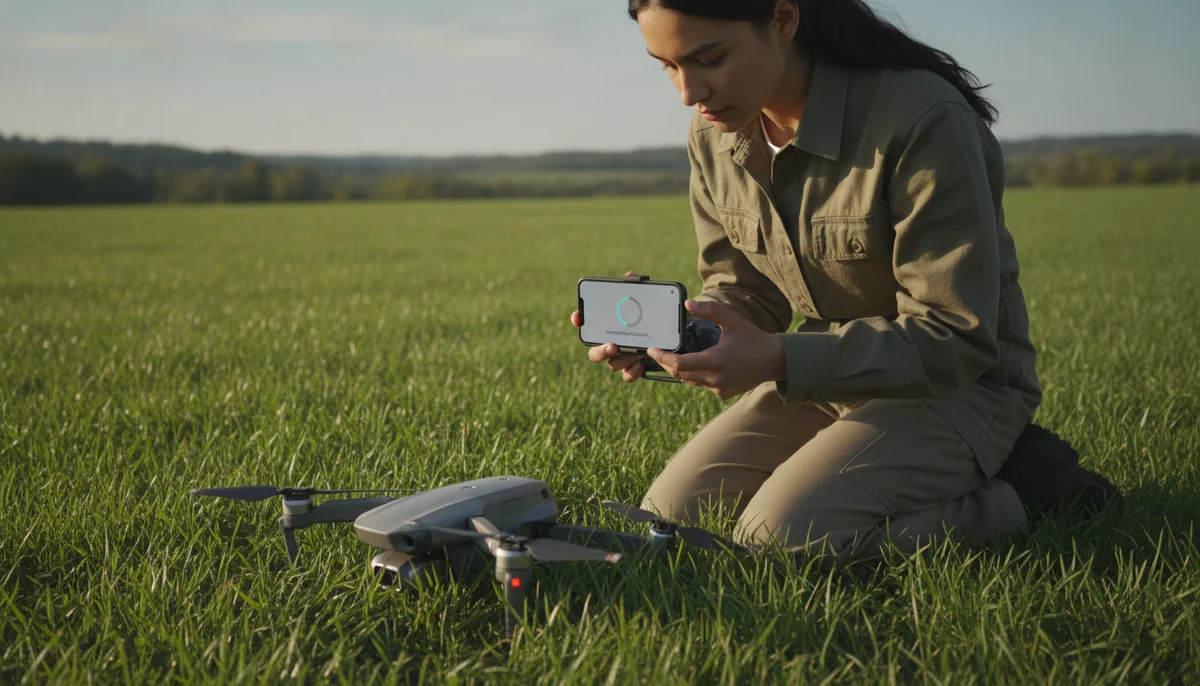
Holy Stone sells a lot of first drones, and the questions that follow those sales are not about camera specs or wind resistance. They are about the app, the instructions, the battery and getting the thing paired at all. That is the signature of people who have already bought and are standing in a field with a phone that will not talk to an aircraft. The good news is that the failure is almost always procedural, and the procedure is short.
The single step that defeats the most people is not documented anywhere near prominently enough: the app does not join the drone's network for you. You have to go into your phone's own Wi-Fi settings, find the network the aircraft is broadcasting, and connect to it manually before the app will show you anything. Everything downstream, the live view, the smart modes, the compass calibration screen, the height and distance limits, sits behind that one connection. Miss it and the drone looks broken while being perfectly healthy.
Here is the order, compressed. Work it top to bottom without improvising, outdoors, on level ground, with open sky above you.
- Charge the aircraft batteries and the controller, which is a separate cable and a separate charge that people forget.
- Put the phone in airplane mode, then switch Wi-Fi back on by itself so nothing pulls the handset back to a cellular-backed network mid-flight.
- Power the drone first. Power the controller second. Bind them with the stick gesture your model's card specifies, and wait for the tone or the lights to settle.
- Now open the phone's Wi-Fi list and join the drone's network by hand. Only then open the app and press its preparation or start button.
- Run the level and gyro calibration with the aircraft sitting still.
- Run the compass calibration: one full horizontal turn, then one full vertical turn, both of them complete revolutions.
- Wait for a satellite lock. Solid lights, not blinking, and it can take the better part of a minute.
- Arm the motors by pulling both sticks down and inward together, then take off.
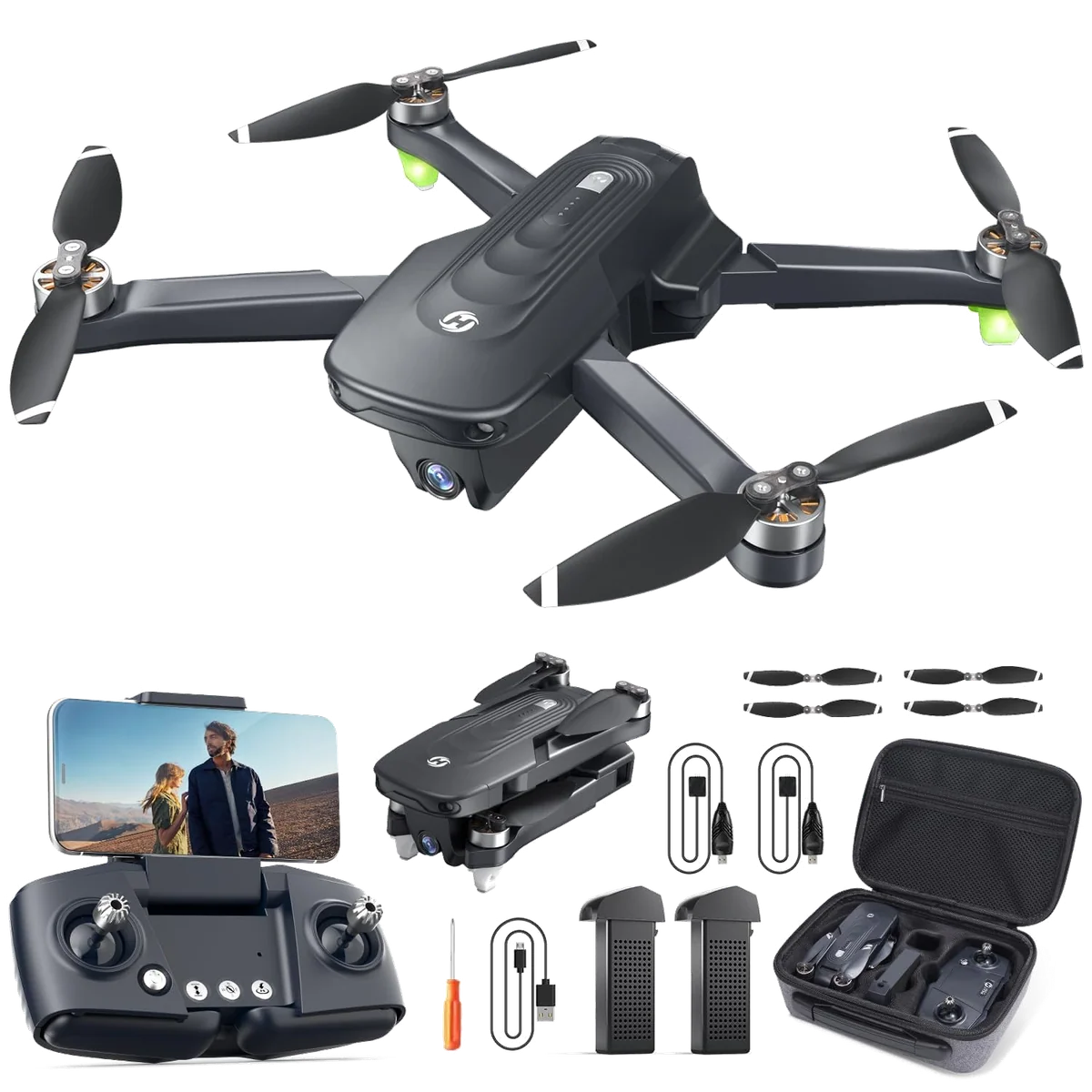
If you are reading this before you buy rather than after, the aircraft most of these questions attach to is the HS175D, and our review of it lands on a narrow verdict: buy it as a forgiving GPS trainer you can afford to crash, and skip it if you want footage, because nothing stabilises that camera and the Wi-Fi video link gives out a long way short of the 500 metre limit the app cheerfully lets you set. Setup difficulty is not the reason to avoid it. The camera is.
Why the order matters more than any single step
These aircraft do not use a proprietary radio for video. The drone raises a Wi-Fi access point, your phone becomes a client of it, and the app talks over that link. That architecture explains the whole cluster of setup complaints at once. It explains why your phone keeps defecting back to your home network when you set up in the garden, why the connection dies if a hedge gets between you and the aircraft, and why the app cares so much about what you switched on when.
One owner in the record only got a reliable connection after support walked him through it, and the fix was purely sequential: start the drone, bind the controller, and only then let the phone onto the drone's network. Another spent the first few attempts watching the handset hop back to his house Wi-Fi before it finally stayed put. Neither of those is a defect. Both look exactly like one.
Holy Stone's own quick-start material for this generation runs the same order across models, and the HS720 family walkthroughs follow it too, which is worth knowing if you own something other than the model on this page. The mini in the range is the exception rather than a variation: an HS210 has no camera feed to connect to in the first place, so its setup ends when the controller binds and there is no app step to get wrong.
The compass calibration, and the specific way people fail it
This is the step that eats afternoons, and the reason is almost comic in its smallness. When the app says rotate the aircraft, it means a complete revolution, 360 degrees, in each of two axes: flat and level first, then nose-up on its side. Half turns do not register. One owner who could not calibrate for the longest stretch of his setup traced the whole problem to exactly that, and once he understood it he was airborne inside two minutes of pressing the power button.
Two things make this worse than it needs to be. The first is that calibration is not a one-time ritual. It is part of the pre-flight, every flight, and the accuracy of return to home degrades measurably if you skip it: one owner found the aircraft coming home within about three metres freshly calibrated and drifting out toward ten metres after several return cycles with no recalibration in between. The second is that a solid green light means the drone thinks it has satellites, and the record contains at least one owner who got the green light without a lock good enough to fly on, and had to run the whole start-up four or five times on bad days.
If the lock will not come, move. Buildings, cars, metal fences and your own body between the aircraft and the sky all cost you satellites, and the fix is a step into open ground rather than another power cycle.
The motors will not start, which is the hardest wall to hit
This is where new owners genuinely give up. One poster described months of ownership without ever once hearing the propellers turn, having tried every stick combination she believed existed and watched every video she could find, and the thread ends without confirmation that she ever flew it. That is a working drone sitting in a cupboard because of a gesture.
The gesture is both sticks pulled down and inward, simultaneously, held for a moment. Down and outward is a different command entirely, and it is the one people default to, which is precisely why so many get stuck. Some owners describe the unlock as both sticks to the lower left instead, so if inward does nothing, try that before you conclude anything. Nothing will arm at all unless the aircraft is level, the pack is charged, calibration is complete and satellites are acquired, so work back through those four before you blame the sticks.
There is one undocumented trap underneath all of it. If you fly mode 1 rather than mode 2, the transmitter has to be switched over before pairing by holding the record button while you power it on, a procedure that exists and is essentially unwritten. A transmitter in the wrong mode responds to none of the gestures above in the way the manual describes.
Things that look like a fault and are not
Once you are flying, a handful of behaviours convince people their drone is defective. Knowing them in advance saves a return and, in a couple of cases, saves a flight.
| What you see | What is happening |
|---|---|
| Recording stops on its own mid-flight | A known app bug where the on-screen record button silently switches itself off, sometimes more than once in a session, so glance at it periodically rather than trusting a long clip |
| The live view freezes but the drone keeps flying its pattern | The app has lost the picture, not the aircraft; force-close it and reopen, and the feed comes back while the drone carries on doing what you told it |
| Taking a photo kills the video you were recording | Expected behaviour, and the controller's own video button is worse: it starts a recording that stops about a second later, so use the button on the phone screen |
| A settings screen appears in untranslated Chinese | That is the screen holding maximum height, maximum distance and beginner mode, which are the three settings a new pilot most needs, so learn its layout rather than backing out of it |
| No calls or texts arrive for the whole session | Your phone is a client on the drone's network, which is the price of the live view and not a malfunction |
| Follow Me does nothing when pressed | On the HS175D the mode refuses to engage below roughly thirteen metres and gives no reason, so climb before you decide it is broken |
| Footage looks worse than the specification promised | Judge it from the memory card, because the phone stream is a compressed preview and people have returned perfectly good drones over image quality they only ever saw through the app |
Whether your handset makes any of this better or worse is genuinely unresolved. Owners blame Android, other owners blame iPhone, and the only point of agreement across the record is that the app is fragile and cares about the order things are switched on in, which is where this page started.
When it really is broken, and what to do about it
Quadcopter Bench draws the line at three symptoms. If the aircraft binds, calibrates, arms and then behaves badly in the air, that is a fault. If the battery is visibly swollen, it is not a setup problem and it does not get charged or flown: two separate owners in the wider Holy Stone record found packs swollen after storage with almost no use, one of them after two charges. And if a pack that shows full dies in a couple of minutes, or drops from twenty minutes to ten inside a month, that is the brand's known weak point rather than anything you did.
Holy Stone's support is the most consistently praised thing about the company, and the pattern in the record is that replacement is generous and fast while diagnosis is thin: owners describe replacement aircraft sent for GPS faults and batteries replaced without argument. The counter-current is real too, with owners who reported a flyaway and never heard back, and one cycled through four batteries before being told to buy a new drone. Do not expect a firmware update to rescue an older model, because by owners' accounts that is not something that happens on this range.
The practical consequence is a deadline rather than a diagnosis. Exercise both batteries properly inside your retailer's return window instead of leaving the second one sealed in the case until spring. A dead pack found in week two is a return; the same pack found in month six is a negotiation.
What none of this fixes
Setup is where new owners lose their patience, but it is not where this aircraft's real limits are. Getting the connection right will not put stabilisation behind the camera, and no ordering of switches extends a Wi-Fi video link. If the reason you are troubleshooting is that you want usable video, the fix is different hardware: the Potensic ATOM SE puts electronic stabilisation behind its 4K at close to the same money, and we have run the two head to head. If you are still deciding, the case for and against the brand and our shortlist of first aircraft are the better places to spend your time than this page.
Two smaller expectations worth resetting while you have the manual open. The advertised flight time is two batteries added together rather than one flight, which is standard practice across the category and worth understanding before you compare two drones on it. And resolution is not sharpness when nothing isolates the camera from the airframe, which is the whole reason cheap drone video looks the way it does.
A note on where this comes from: nobody at Quadcopter Bench has flown an HS175D, timed a battery or run a calibration on one. This sequence is assembled from the owner accounts, the manufacturer's own quick-start material and the independent flight reviews for these aircraft, and where those sources disagree, this page says so rather than picking the tidier answer.
Frequently Asked Questions
Do you have to buy a microSD card to get your photos?
No, because the app saves photos and video to the phone automatically, though a card records to both at once and is worth having if image quality matters to you.
Can you fly it without the phone connected at all?
Yes, and some owners prefer it in bright light where the screen is unreadable, since the controller handles takeoff, landing, camera tilt and return to home on its own, at the cost of the live view, the smart modes and the settings that live in the app.
Is an iPhone or an Android handset the safer choice for the app?
The record does not settle it, with owners blaming each platform in roughly equal measure, so treat a connection failure as a sequence problem first rather than assuming your phone is the wrong one.
How far can it go before the connection drops?
A dedicated range test turned the aircraft around near 240 metres and an owner lost camera transmission at 210, so the 500 metre figure the app lets you enter is not a distance this radio holds.
Is the advertised flight time per battery?
It is the two supplied packs added together at their best case, and each one runs roughly twenty minutes before low-voltage return to home starts bringing the aircraft back with charge still in it.
How do you switch the controller between mode 1 and mode 2?
Hold the record button while powering on the transmitter, and do it before you pair, because the change will not take once the controller is already bound.
Does a drone this size need registering or a Remote ID module?
Flown recreationally in the US a sub-249g aircraft does not, though commercial flying is a separate question and the rules deserve a proper read before your first flight.
Is a phone-only setup like this a reason to buy a drone with a screen controller instead?
It is a fair argument, and we work through what a dedicated controller actually buys you in our piece on flying with just a phone .
At what point should you stop troubleshooting and contact Holy Stone?
Once the aircraft binds, calibrates and arms but misbehaves in the air, or the moment a battery swells or collapses, because those are the cases the company tends to resolve by sending a replacement rather than by talking you through a fix.
Sources (3)
- Amazon listings and customer reviews
- Owner reports across r/drones, r/HolyStone, r/drone_photography threads
- Owner and reviewer video, 7 channels